Add a sports schedule to your calendar
Share a season schedule, a game notice, or a practice message. Herds reads each date and adds it to your calendar.
What you scan
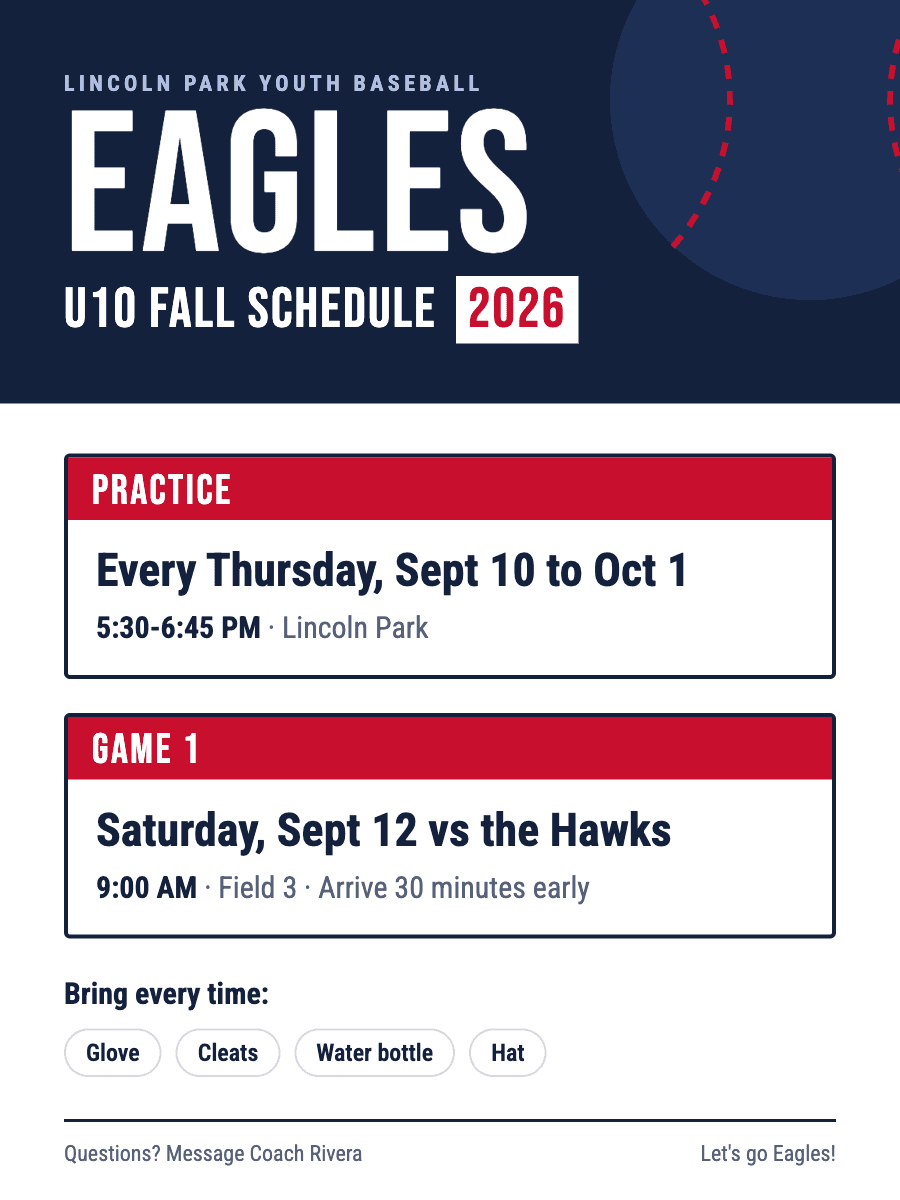
What lands on your calendar
5 events
- Baseball PracticeThu, Sep 10 · 5:30-6:45 PM · Lincoln Park
- Baseball Game vs HawksSat, Sep 12 · 9:00 AM · Field 3
- Baseball PracticeThu, Sep 17 · 5:30-6:45 PM · Lincoln Park
- Baseball PracticeThu, Sep 24 · 5:30-6:45 PM · Lincoln Park
- Baseball PracticeThu, Oct 1 · 5:30-6:45 PM · Lincoln Park
Where your schedule comes from
These are sources you already have. Herds does not ask you to log in to them.
GameChanger
Screenshot the game schedule in GameChanger and share it to Herds. Each game becomes its own calendar event.
TeamSnap
Screenshot the TeamSnap schedule, or share the reminder email. Herds reads each game and practice.
PlayMetrics
Screenshot your team's PlayMetrics calendar. Herds adds each session with its time and field.
Playbook
Screenshot the Playbook event list. Herds adds each event with its date and time.
SportsEngine
Screenshot the SportsEngine schedule, or share the league email. Herds reads each date and place.
Spond
Screenshot the Spond event, or share the invite. Herds adds it with the time and place.
Herds is not affiliated with these apps. Names belong to their owners.
Questions
Can Herds add a full season schedule at once?
Yes. Share the whole schedule. Herds adds each game as its own event, and you can uncheck any you do not want.
Does Herds handle weekly practice?
Yes. A line like "practice every Tuesday through Nov 17" becomes one calendar event for each practice date.
How It Works
- 1
Snap a Photo or Screenshot
Take a picture of any event flyer, poster, or sign — or screenshot an event from social media, a website, or a text.
- 2
AI Extracts Details
Our AI reads the image and pulls out the event name, date, time, location, and more.
- 3
Added to Calendar
The event syncs to your calendar automatically — no manual typing.