Share an event so others can add it
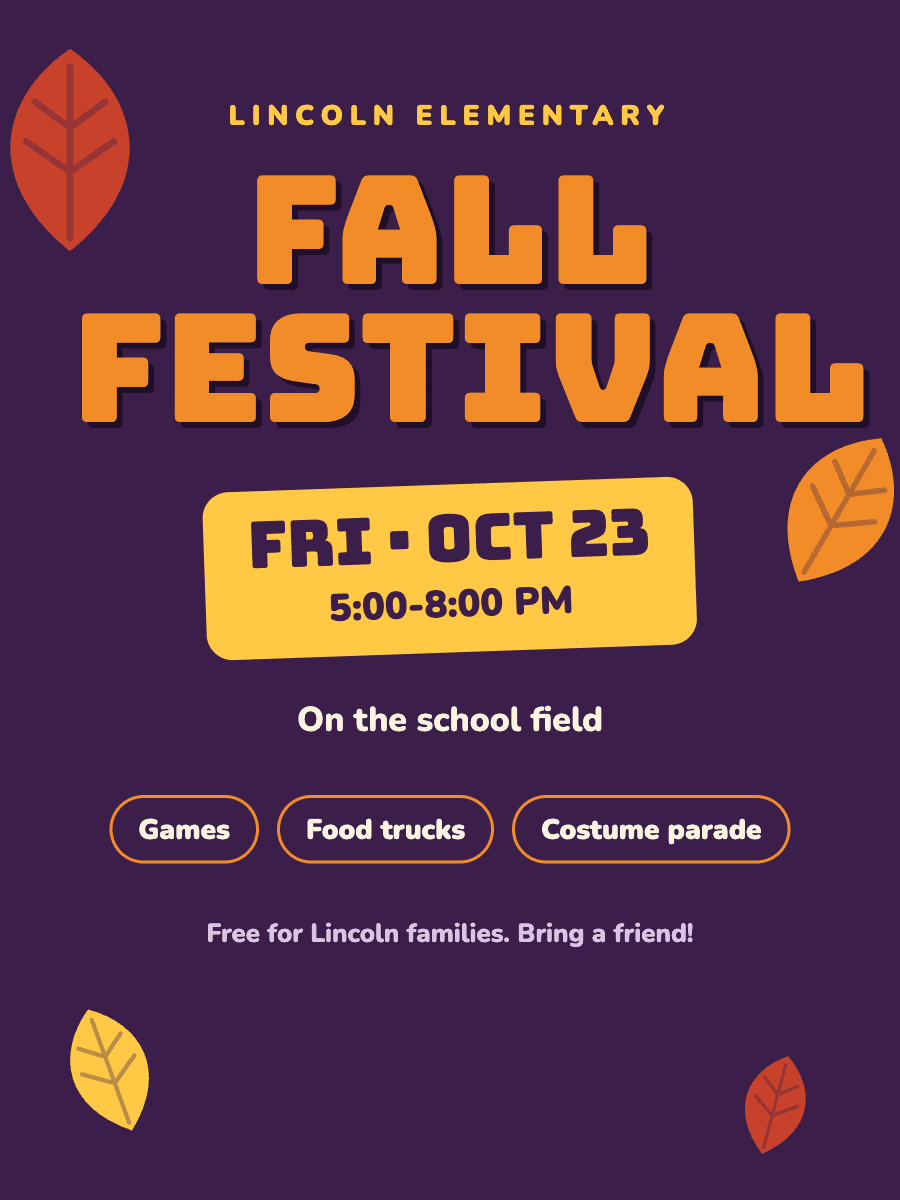
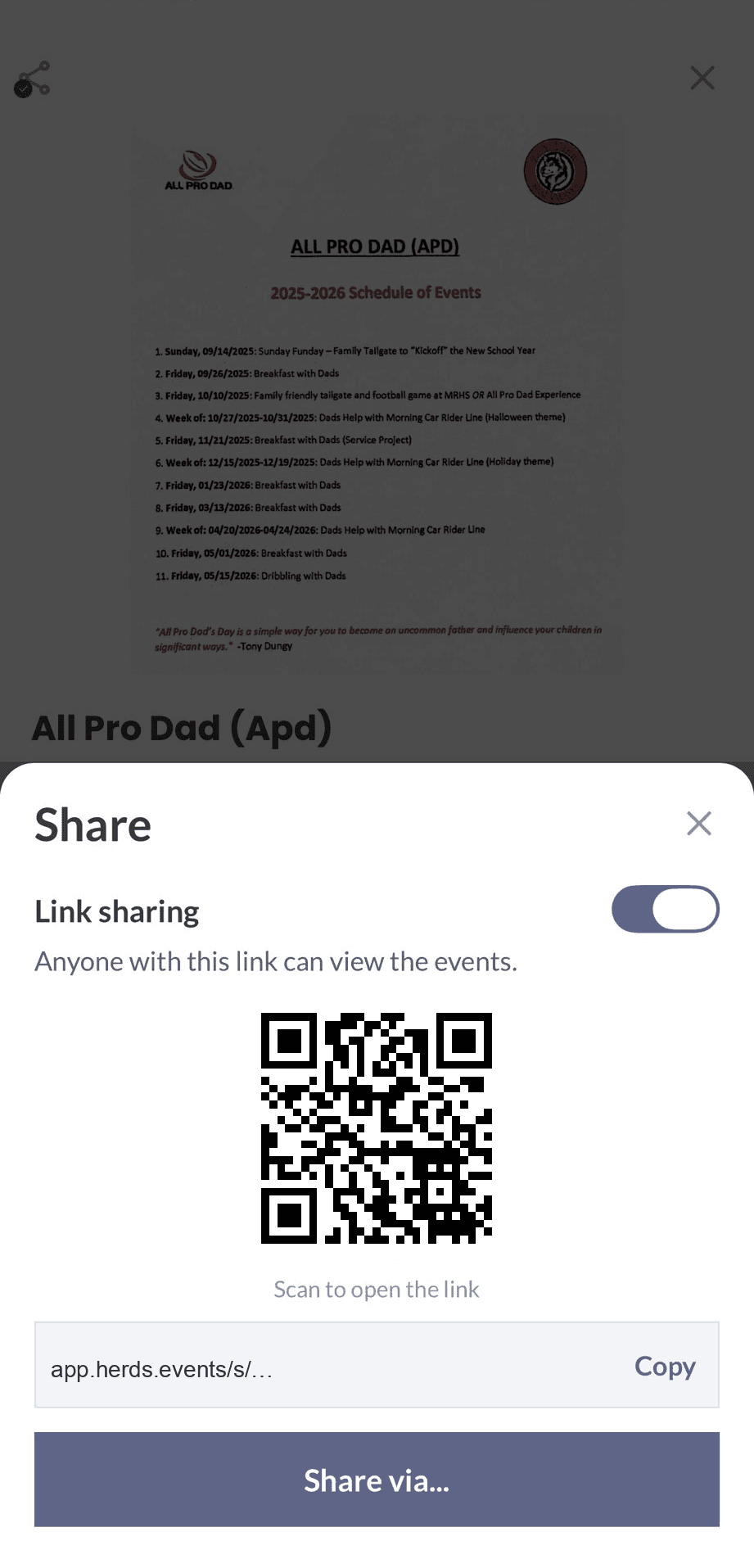
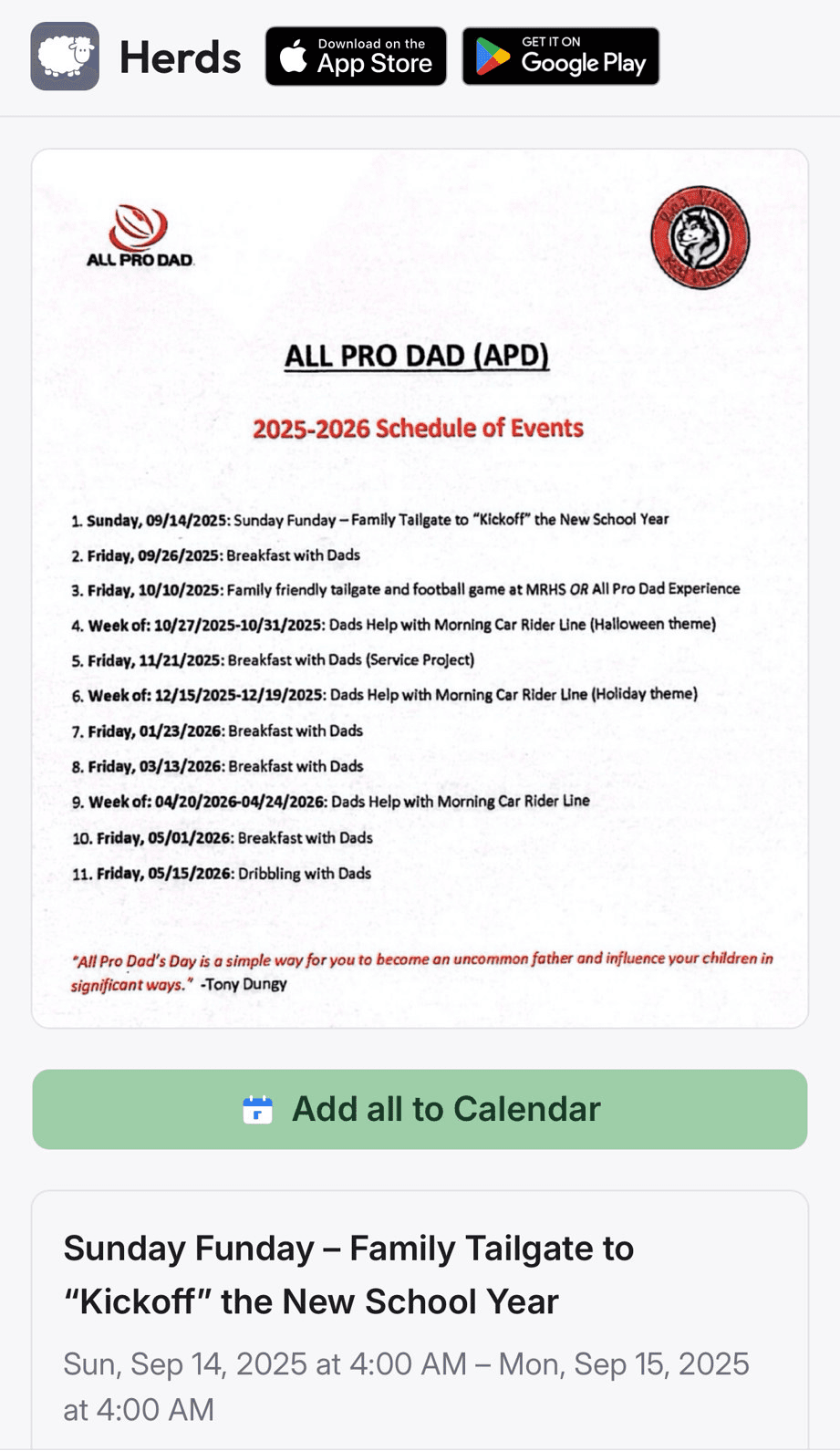
Turn on sharing, then send the link or show the QR. Anyone with the link sees the flyer and the details, then adds the events to their calendar.
What you scan
What they get
One link
- Opens in any browser with the flyer
- Adds Lincoln Elementary Fall FestivalFri, Oct 23 · 5:00-8:00 PM
Did they forget about the event? Never again. One tap and it's on their calendar.
Questions
Does the person I share with need Herds?
No. The link opens in any browser. They see the flyer and the details, then add the events to their calendar.
Can I stop sharing a link?
Yes. Turn sharing off and the link stops working.
How It Works
- 1
Snap a Photo or Screenshot
Take a picture of any event flyer, poster, or sign — or screenshot an event from social media, a website, or a text.
- 2
AI Extracts Details
Our AI reads the image and pulls out the event name, date, time, location, and more.
- 3
Added to Calendar
The event syncs to your calendar automatically — no manual typing.